 DayPilot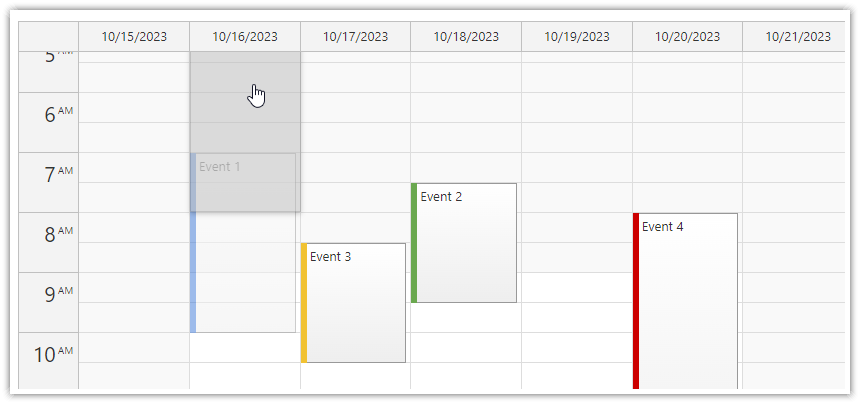
The JavaScript Calendar component can scroll the grid automatically (vertically and horizontally) when you reach the edges of the visible area. You can configure the feature using the autoScroll property.
By default, AutoScroll is turned on during drag and drop operations (event moving, event resizing, time range selecting).
JavaScript
<div id="dp"></div>
<script>
  const dp = new DayPilot.Calendar("dp", }
    autoScroll: "Always",
    // ...
  });
  dp.init();
</script>
Availability
Availability of this feature in DayPilot editions:
| Lite | Pro | |
|---|---|---|
| DayPilot for JavaScript | ||
| DayPilot for ASP.NET WebForms | ||
| DayPilot for ASP.NET MVC | ||
| DayPilot for Java |