 DayPilot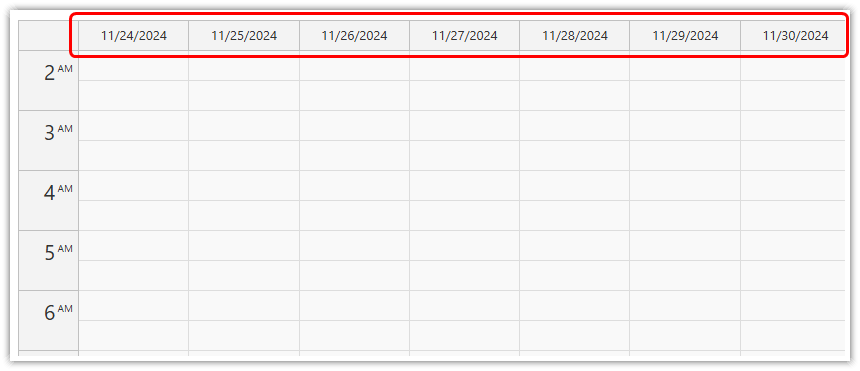
You can use the headerDateFormat to set the format of the date in column headers. It overrides the Calendar locale.
JavaScript
You can specify the date format in the column headers using the headerDateFormat property. It accepts a string in the format used by the DayPilot.Date.toString(pattern) method.
If the headerDateFormat property is not specified, the datePattern value of the current locale will be used.
Example:
<div id="calendar"></div>

<script>

  const calendar = new DayPilot.Calendar("calendar", {
    headerDateFormat: "dddd",  // day of week, long format (e.g. "Monday")
    // ...
  });
  calendar.init();

</script>
ASP.NET WebForms
The default value is "d" which will use the default format set for the current Culture.
Availability
Availability of this feature in DayPilot editions:
| Lite | Pro | |
|---|---|---|
| DayPilot for JavaScript | ||
| DayPilot for ASP.NET WebForms | ||
| DayPilot for ASP.NET MVC | ||
| DayPilot for Java |